Best Free AI Tools for Automating Repetitive Daily Work in 2026
A practical guide to saving time on routine tasks with free and free-tier AI tools.
Published by The Free Info Here · Last reviewed
Introduction
Repetitive work can quietly take up a large part of the day. Sorting messages, drafting familiar replies, turning notes into action points, transferring information between apps and preparing social posts are all useful tasks—but many follow the same steps every time. AI tools can help reduce that manual effort, giving you more time for work that needs judgement, creativity or direct communication.
This guide looks at five well-known tools with free access or a free tier that can support everyday automation in 2026: ChatGPT, Google Gemini, Make, Zapier and n8n. They do different jobs. ChatGPT and Gemini are general-purpose assistants for working with text and information, while Make, Zapier and n8n help connect services into repeatable workflows. The right option depends on whether you need help preparing information or want apps to pass it between one another automatically.
Free plans and included features can change, and availability may differ by country, account type and connected service. Treat free access as a way to try a workflow, then check the provider’s current plan details before building a process that your work depends on. Also consider whether using an AI service is appropriate for the information you plan to provide.
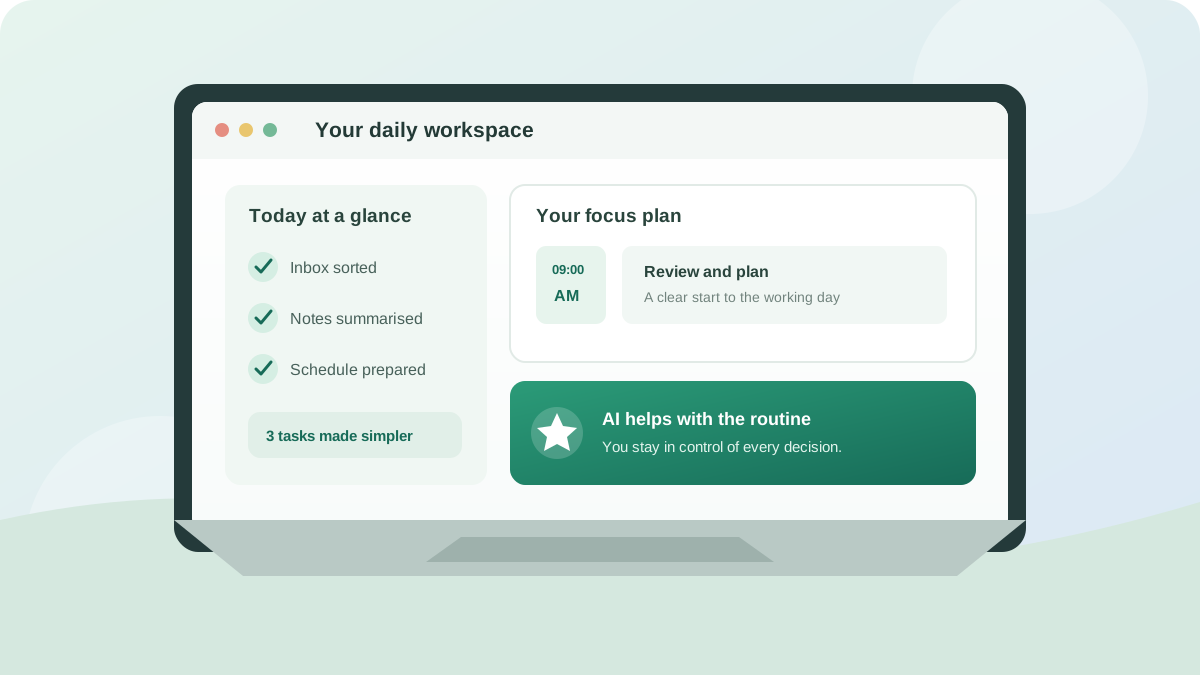
1. ChatGPT: A flexible assistant for everyday tasks
ChatGPT is useful when a repetitive task starts with language or information. You can provide notes and ask for a concise summary, turn a rough outline into a first draft, or create a reusable template for common emails. It can also help break a larger task into a checklist or suggest a consistent format for reports.
- Good for: drafting, rewriting, summarising, brainstorming and creating repeatable text templates.
- Practical example: paste non-sensitive meeting notes and request decisions, actions, owners and deadlines in a structured list.
- Free-tier consideration: access to models and features may be capped or vary over time; check the current plan in your region.
- What to watch: verify names, dates, figures and claims. Do not treat generated text as a substitute for checking the original source.
Check the official ChatGPT site for current access, plan and privacy details.
ChatGPT is best understood as a capable assistant rather than a background automation engine. It can help you prepare the content and logic for a process, but moving information automatically between apps generally requires a separate integration or workflow platform.
2. Google Gemini: Helpful for Google-centred work
Google Gemini can assist with routine research, writing and organising information. It may be a convenient option if much of your day already involves Google services, although the features available in a particular app or account can depend on Google’s current plan and regional availability. Use it to generate a first draft, simplify a long passage or turn a set of notes into an outline that you can review.
- Good for: drafting and editing text, summarising material, outlining plans and exploring ideas.
- Practical example: ask for a weekly planning template based on a list of tasks, then check and transfer the final schedule to your calendar.
- Free-tier consideration: model access and integrations may have usage or account restrictions.
- What to watch: confirm whether a feature is available in your account instead of assuming every Google app action can be automated.
Check Google Gemini and your Google account for current availability, plan and privacy details.
Gemini can reduce the time spent preparing information, but you should distinguish between assistance and automation. If you want an event created, a message sent or a record changed automatically, confirm that the relevant integration supports the action and ask for approval before enabling it.
3. Make: Visual workflows between apps
Make is a no-code automation platform for connecting online services. A workflow is assembled from modules: an event in one app can trigger an action in another. Depending on the services connected and the modules available, you might route a form submission into a spreadsheet, notify a team channel or use an AI service to classify incoming text.
- Good for: multi-step workflows where information moves between connected apps.
- Practical example: send a notification when a new form response arrives, then add a row to a tracking sheet.
- Free-tier consideration: monthly operations, scheduling frequency and available features may be limited.
- What to watch: an AI module may require a separate provider account or paid API usage, even if Make itself offers a free plan.
See Make’s official website for current plan, feature and data-handling details.
Make’s visual builder can make a process easier to understand, especially when it contains several steps or branches. Start with a low-risk task, test what happens when information is missing or formatted unexpectedly, and check the run history before expanding the workflow.
4. Zapier: A straightforward way to connect popular apps
Zapier helps automate actions across supported web apps. Its workflows, commonly called Zaps, use a trigger and one or more actions. For instance, a new item in one service might create a task in another. AI-related steps may be available through particular integrations, but their availability and cost can depend on the connected products and your account.
- Good for: simple, trigger-based automations between commonly used services.
- Practical example: create a task when a labelled email or new form entry meets a condition.
- Free-tier consideration: the number of tasks, active workflows and multi-step features may be restricted.
- What to watch: check which action actually ran and whether a failed step needs attention; a connected workflow is not automatically error-proof.
See Zapier’s official website for current plan, feature and data-handling details.
Zapier is a useful starting point if you want to connect apps without writing code. Keep the first version narrow: one clear trigger, a small number of actions and an easy way to spot failures. That makes it simpler to understand what happened if a workflow behaves unexpectedly.
5. n8n: Flexible automation for more technical users
n8n is a workflow automation platform that can be used to connect services and build more customised processes. Its community edition can be self-hosted, which may appeal to technically confident users who want greater control over where their automation runs. Workflows can include AI-related steps, but the model or service used may have its own access limits and charges.
- Good for: custom workflows, branching logic and users comfortable with technical setup.
- Practical example: process a new support request, classify it and route it to a suitable queue for human review.
- Free-tier consideration: self-hosting can avoid a hosted subscription for the software, but it does not remove server, maintenance or AI-provider costs.
- What to watch: you are responsible for keeping a self-hosted instance secure, available and updated.
Check n8n’s official website for current hosting, plan and licence information. n8n can offer more control than a simple app-to-app connector, but that flexibility comes with responsibility. Before using it for important or personal data, understand the hosting setup, access controls, backups and the terms of every external service in the workflow.
How to choose the right tool
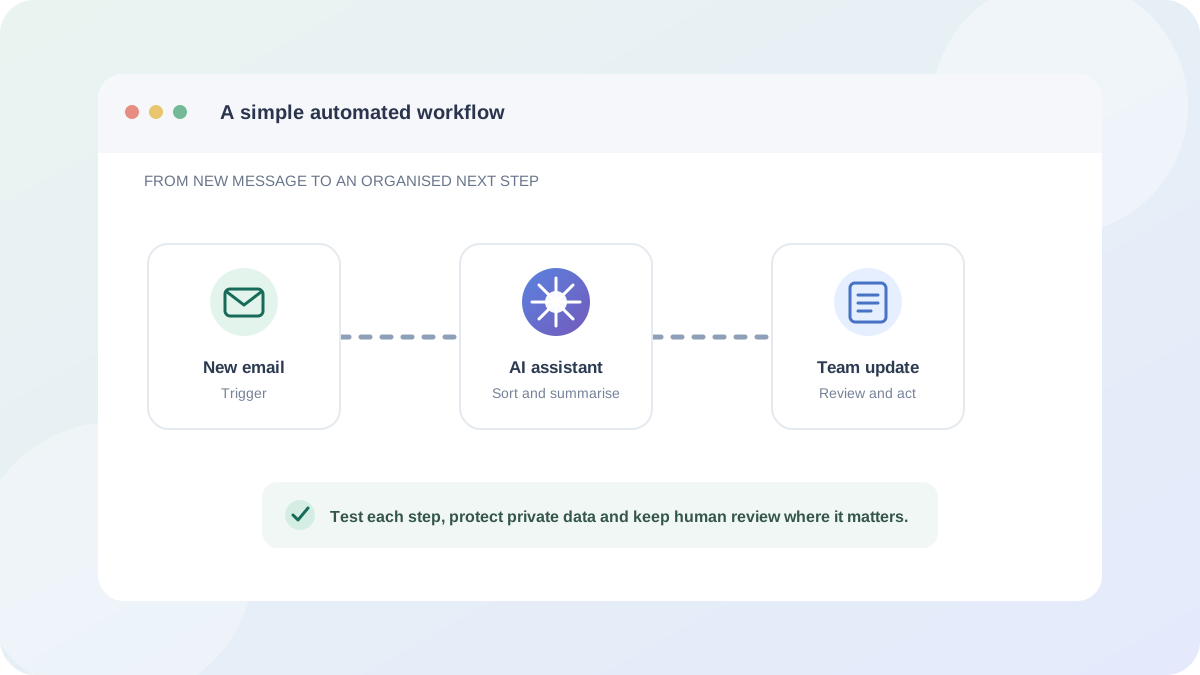
Start by describing the task in plain language: what begins it, what information is needed, what should happen next and how you will know it succeeded. If the task is mainly writing or summarising, try ChatGPT or Gemini. If it involves moving information between apps, compare Make and Zapier. If you need a more tailored workflow and can manage the technical overhead, explore n8n.
Before automating, consider the cost beyond the headline plan. A free automation platform may still rely on a paid AI API, a premium feature in another app or a server you maintain. Check usage limits and decide what should happen if a step fails. For any workflow involving customer, staff or financial information, review privacy and retention settings and follow applicable data-protection requirements.
Finally, keep a person in the loop for decisions with real consequences. Use AI to prepare, sort or recommend; review the result before it sends an external message, changes an important record or makes a commitment on your behalf. A few careful tests can prevent a small automation error from becoming a recurring one.
Conclusion
The best free AI tool for automating repetitive daily work depends on the task. ChatGPT and Gemini can help you prepare and organise information, while Make and Zapier connect everyday apps through accessible workflows. n8n is a flexible choice for people comfortable with a more hands-on setup. Each can save time when it is matched to a clear, repeatable process.
Begin with one low-risk task, test it thoroughly and review the current free-plan limits before you rely on it. Automation should make routine work more manageable—not remove the checks that keep your information accurate, private and under your control.
Official product information
Free-plan limits, features, privacy terms and availability can change. Before signing up or connecting an account, check the provider’s official information linked in each review. This article is general information, not an endorsement, and The Free Info Here is not affiliated with the services named.
For a practical workflow checklist, read How to Automate Repetitive Work with AI. For our approach to corrections and content, see About Us.